F-Droid
The F-Droid build follows the stable releases. F-Droid installs and updates it; the app has no updater of its own and makes no GitHub requests for updates.
Open source, for Android 8.0 and newer
NOVA is a community-built, open-source Android client for Unraid® servers: array health, container and VM state and live system metrics in a clean Material 3 interface tuned for quick mobile checks.
Get it on F-Droid Download APK
It talks to your server through the official Unraid API over your own network.
Screenshots of NOVA with sample data. Tap one for the full size.
Overview
Array
Docker
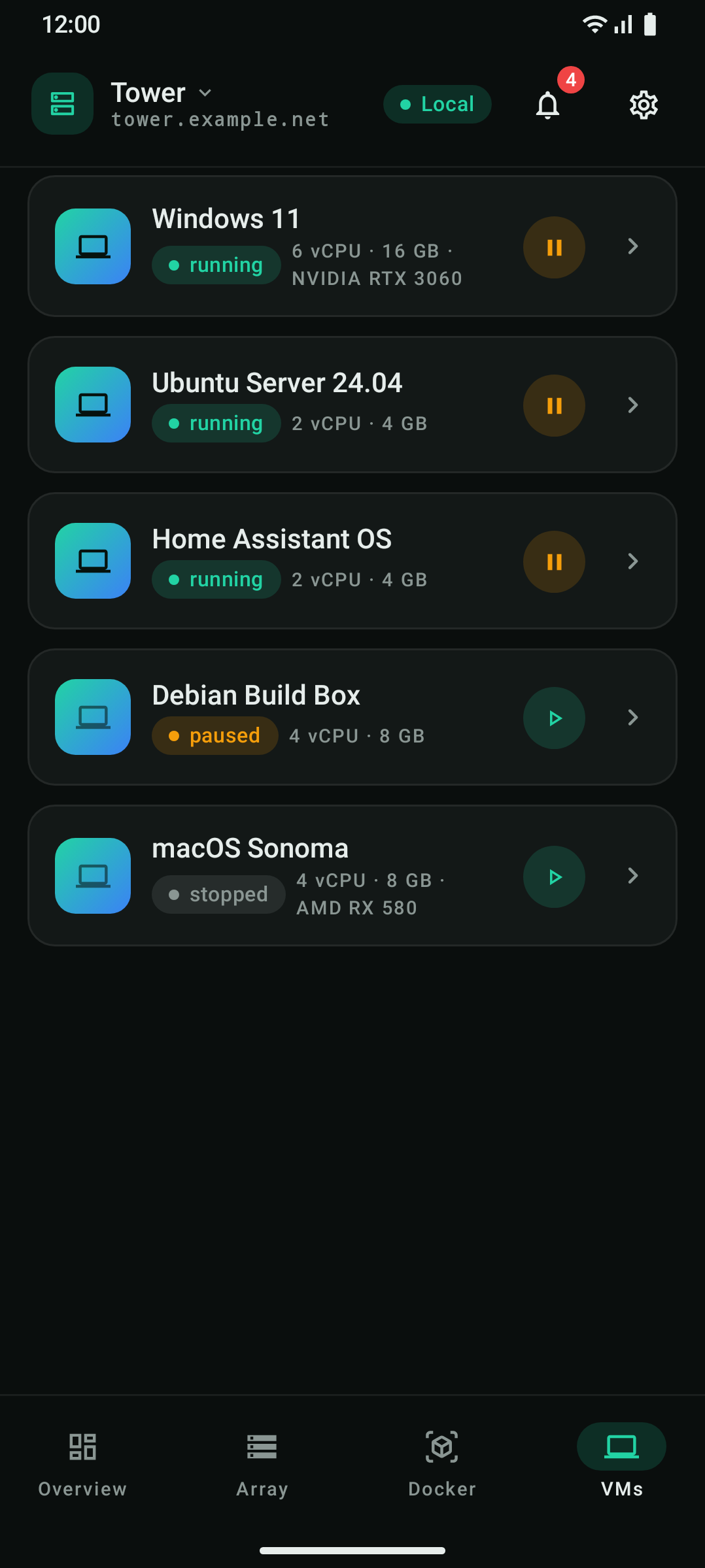
VMs
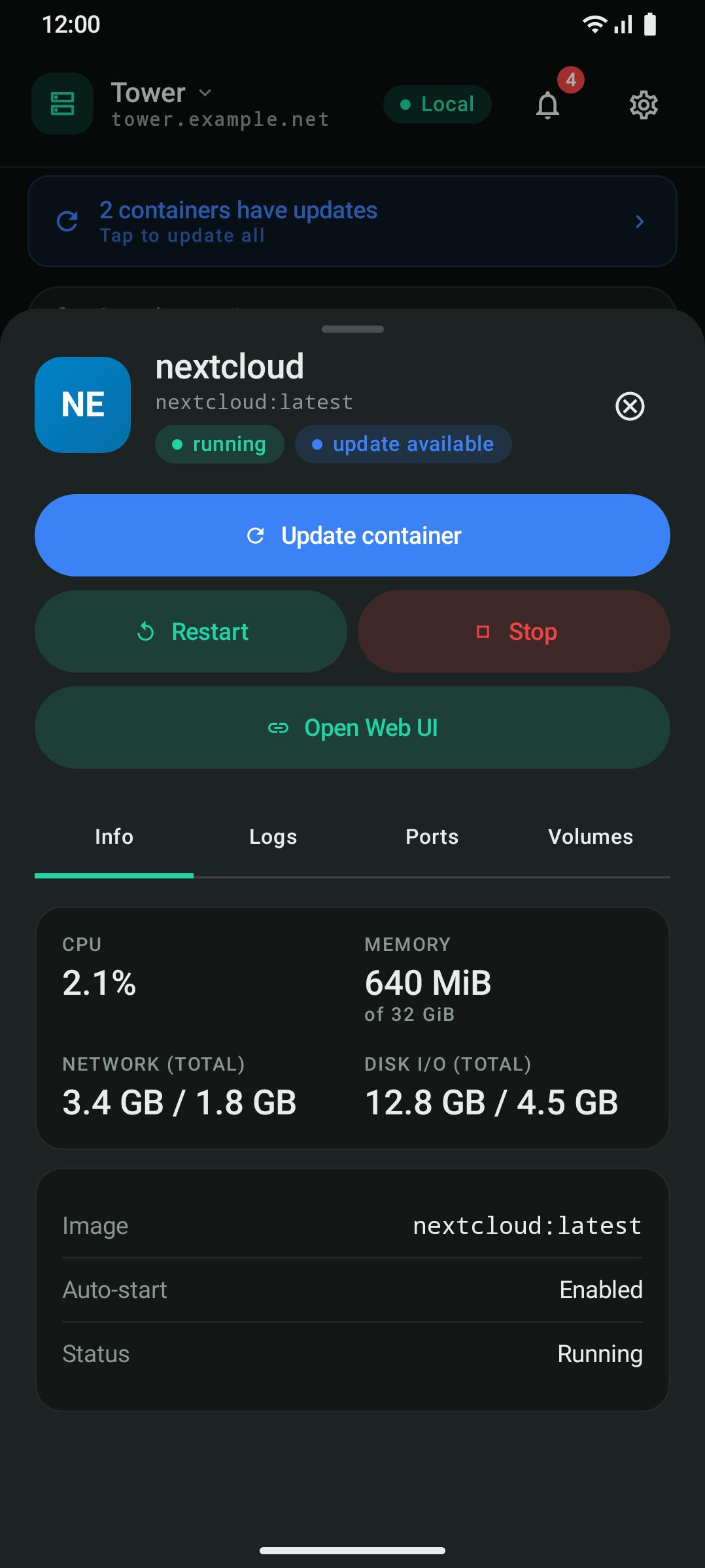
Container details
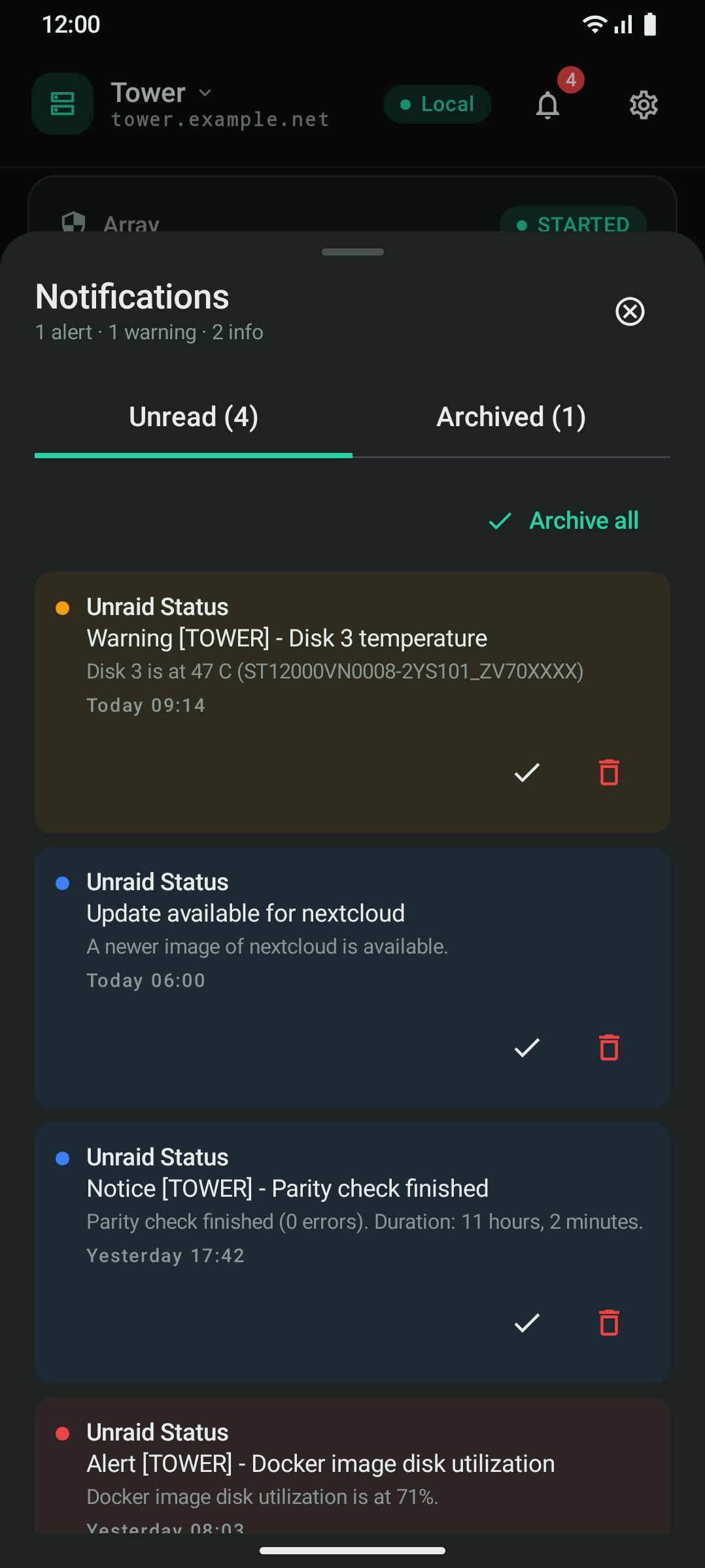
Notifications
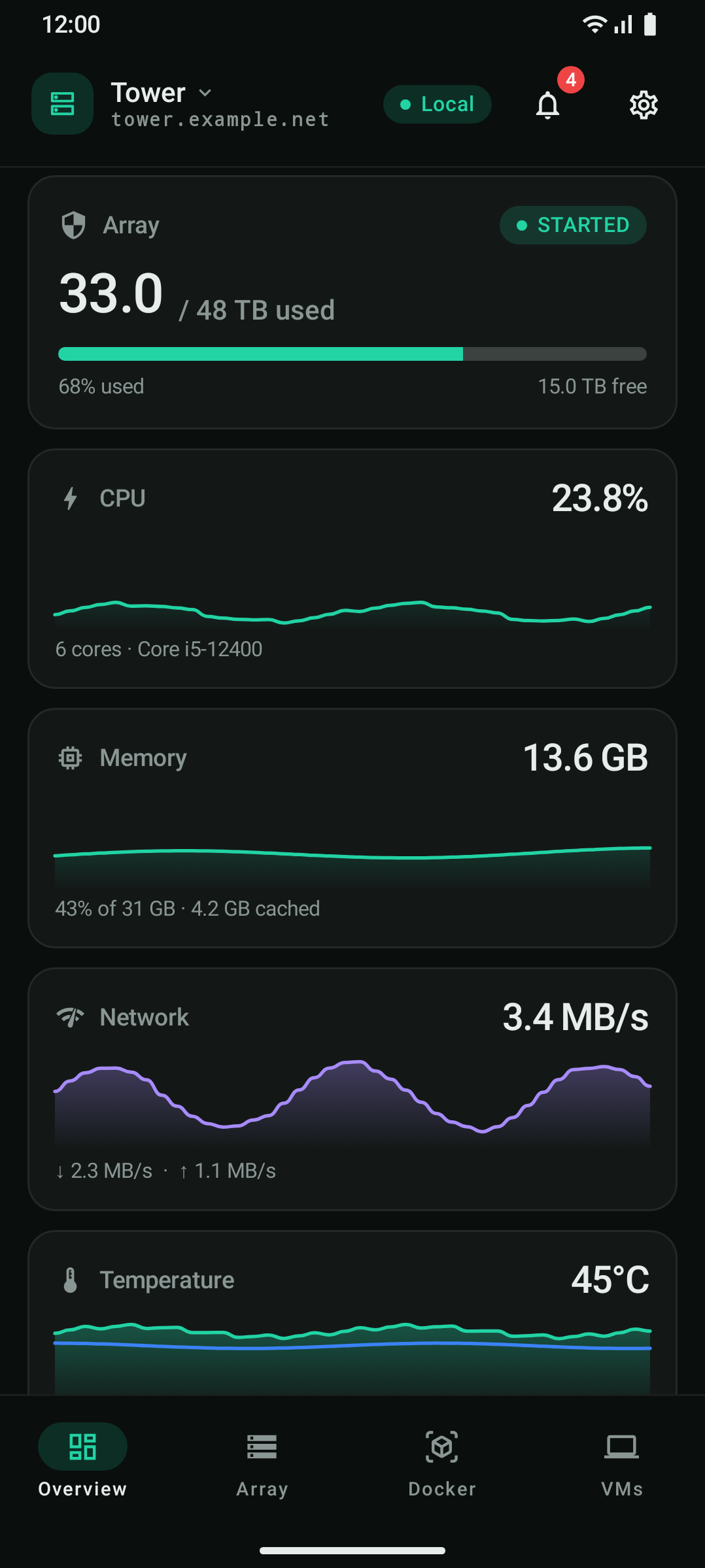
Array capacity, live CPU and memory, container and VM counts and parity-check progress at a glance.
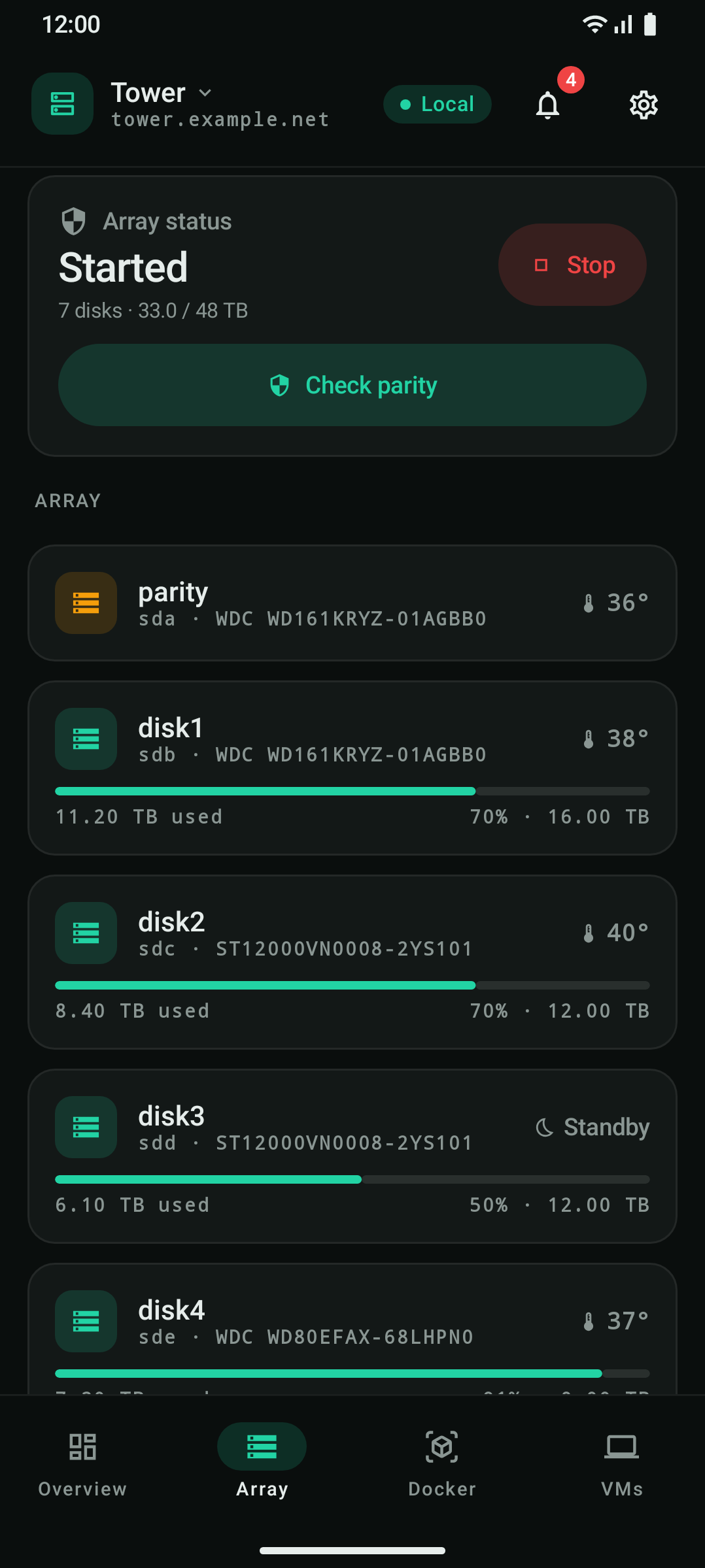
Per-disk status, temperatures and capacity. Start and stop the array.
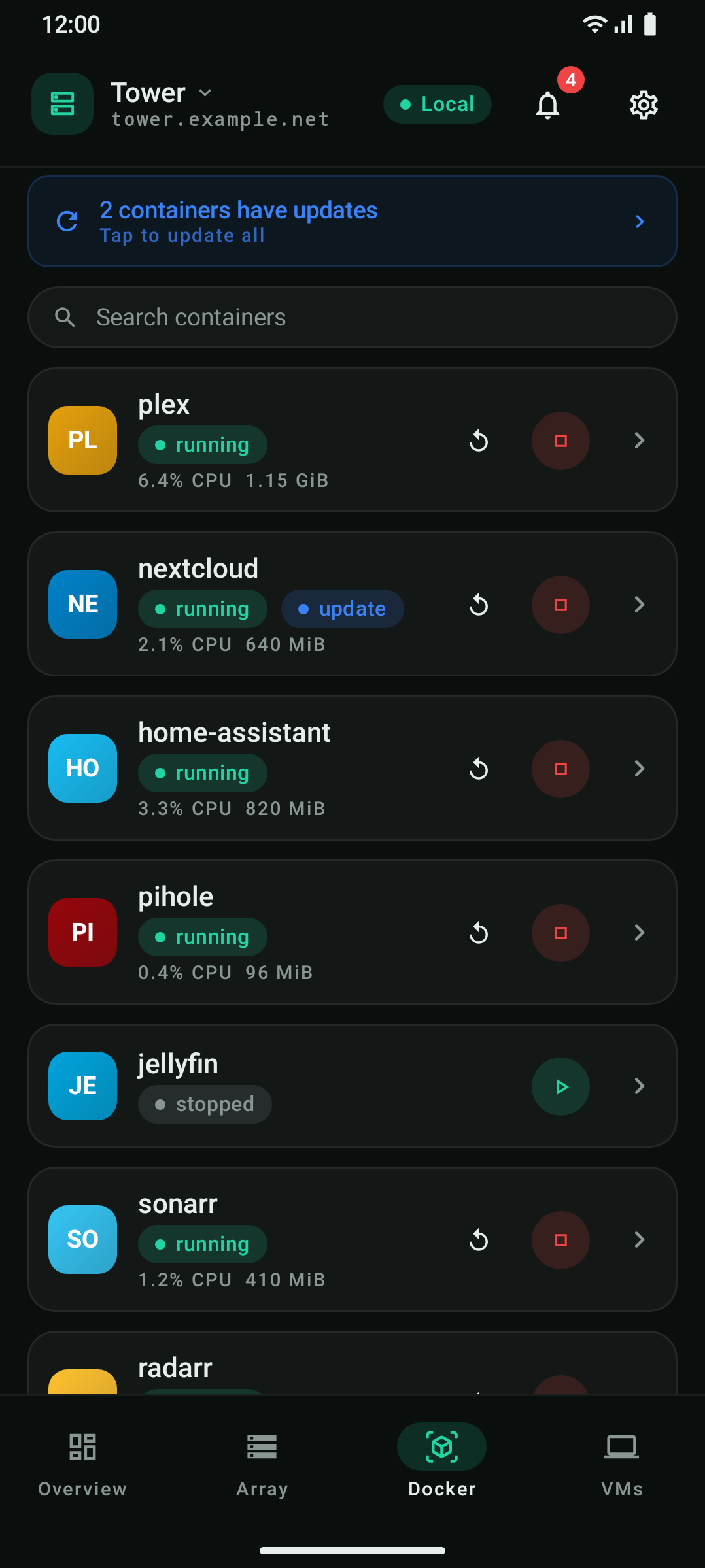
Every container with its status. Start, stop, restart or pause one, jump to its Web UI, see live container logs, and find out which containers have an image update and apply it, for one container or all.
The state of every virtual machine, with start, stop, pause and resume.
Switch between servers. Each one has its own local and remote address.
Unraid notifications with Unread and Archived tabs.
A read-only inventory of server plugins with their install history, and a read-only list of network interfaces (IPv4, IPv6 and hardware).
In Settings, pick an accent colour (mint, blue, purple, amber or red), dark or light mode, a padding density and a Docker layout (list, grid or grouped by state).
NOVA shows what the Unraid API offers today. It is an independent client and is not affiliated with Lime Technology.
NOVA comes in two builds of the same app, one for F-Droid and one from GitHub. They differ only in how they are updated.
The F-Droid build follows the stable releases. F-Droid installs and updates it; the app has no updater of its own and makes no GitHub requests for updates.
Download the APK from the latest release. This build has an update check that tells you about new releases and sends your browser to the file, and an optional “Include pre-releases” setting if you want betas. Android asks you to allow installs from your browser or files app, which is expected for apps from outside a store.
The two builds cannot update each other. They are signed with different keys, so Android refuses to install one over the other. To switch, uninstall one and install the other. Uninstalling removes the app’s local data, so you add your servers again.
Versions up to 0.1.46 (GitHub build). On 2026-11-13 we observed that Google Play Protect stopped every GitHub build we tried (0.1.45-beta1, 0.1.45 and 0.1.46-beta1) when it was installed or updated, on a phone with Android 9 and on one with Android 17. Two dialogs appear one after the other:
This is Google’s rating of the file, not a finding about what NOVA does, and Google does not say why it gives it. What we observed, and Google has not confirmed: these builds could install other apps (that is how the old in-app updater worked), and a build of the same version without that ability was rated “This app seems safe” (“Diese App ist anscheinend sicher”) by the same scan on the same phone. NOVA is open source, and you can check what you downloaded:
sha256sum NOVA-v….apk.
apksigner verify --print-certs NOVA-v….apk
should show this SHA-256 digest:
9f86baa17c1208004d9284e99597f77276c77301b06340b10075c793152b6824
From version 0.1.47 on, NOVA no longer installs updates itself and no longer asks for the permission to install apps. Download in the update sheet lets your browser download the file, and you open it to install. Android will still ask once to scan each new file (“App scan recommended”) because Play Protect does not know it yet; that is expected. We cannot promise that no warning ever appears, since Google’s rating can change.
F-Droid is the channel without any such prompt we have seen. It has stable releases only, gets updates later, and is signed with a different key, so switching between it and the GitHub build means uninstalling first. That removes your saved servers and API keys.
192.168.1.10; switch on
Use SSL (HTTPS) if the server uses HTTPS),
optionally a Remote host (Unraid Connect) for
when you are away, and the API Key you just
created.
The APKs on GitHub are signed with one release key. Its certificate
SHA-256 is public, so you can compare it with the output of
apksigner verify --print-certs on a downloaded APK:
9f86baa17c1208004d9284e99597f77276c77301b06340b10075c793152b6824The short version of the privacy policy, which is the authoritative text.
Your API key is stored encrypted with the Android Keystore and is excluded from cloud backup and device transfer. It only leaves the device in requests to your own Unraid server.
All app functionality runs through your own server, at the addresses you configured.
The icon of each container comes from a URL your server
provides, usually a host chosen by the template author, such as
raw.githubusercontent.com,
cdn.jsdelivr.net or github.com. The
app fetches it directly, so that host sees your IP address. NOVA
adds no credentials to these requests.
The GitHub build contacts api.github.com when the
app starts, when you open Settings and when you press
“Check now”. A new version is downloaded by your
browser from the GitHub release page, not by NOVA. The F-Droid
build makes no such requests.
No analytics, no telemetry, no crash reporting, no advertising and no third-party sign-in. Uninstalling the app removes everything it stored.